
Stop googling the same keyboard shortcut twice.
Press ⌥⌘K to see your keyboard shortcuts for the app you're in. No searching, no tab switching, no breaking flow.

⌥
⌘
K
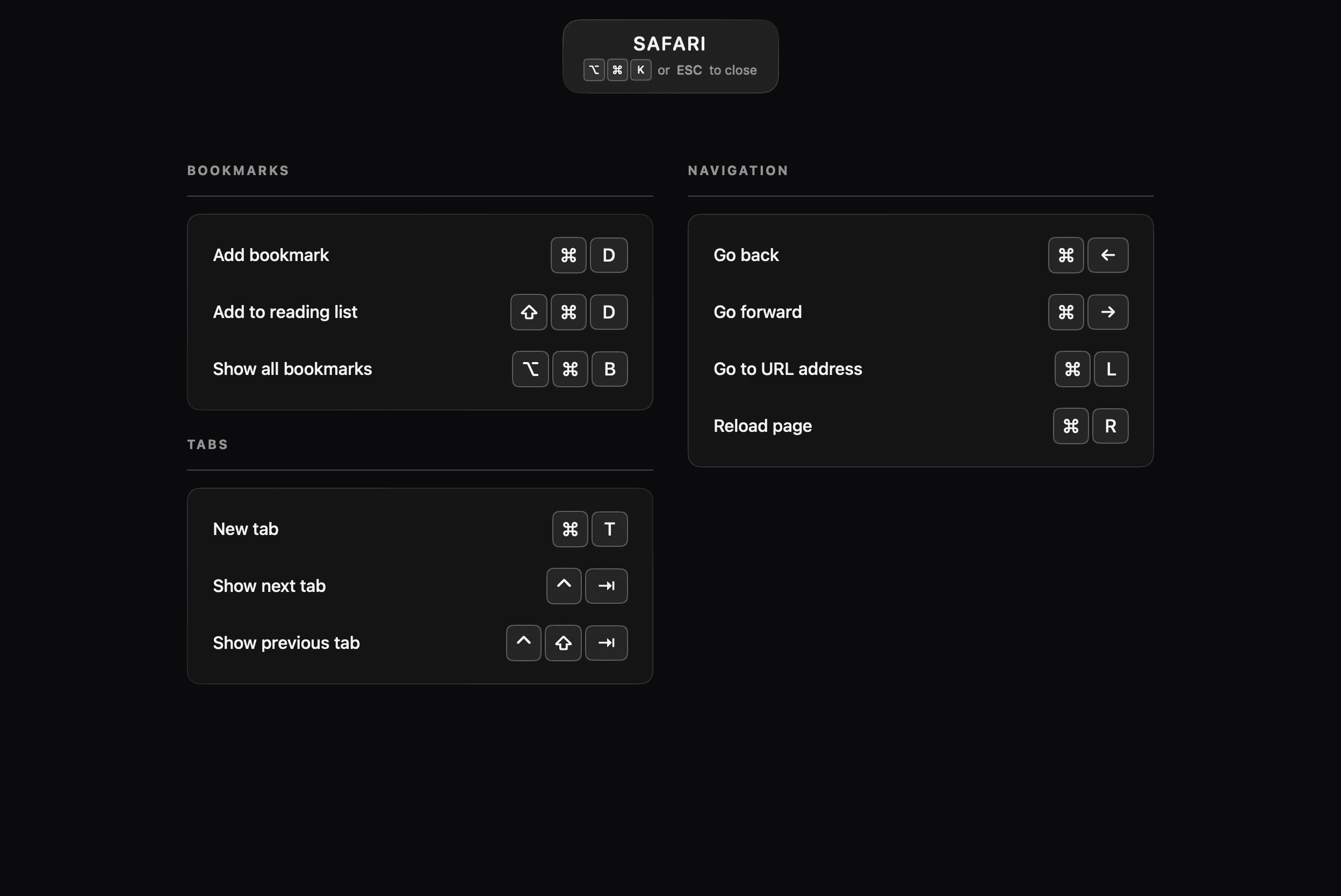
Your keyboard shortcuts for the app you're in.
Press ⌥⌘K. See the shortcuts for the active app, full-screen, without breaking flow.
Shortcuts, organized like the rest of your work.
Create categories per app. Add, rename, and reorder until the useful ones are easy to find.
Practice until it's muscle memory.
A quiz built from your own shortcuts. Track your streak and keep going until you stop reaching for the mouse.
A keyboard shortcut manager for Mac, built to help you remember.
- One hotkey reveals shortcuts for the app you're in.
- Save shortcuts for any Mac app.
- Capture shortcuts by pressing them.
- Multi-step sequences and custom combos.
- Organize by app and category.
- Practice until they stick.
- Import pre-built shortcut libraries.
- VS Code, Xcode, Figma, Safari, and more.
- iCloud sync across your Macs.
- Menu bar app. No Dock clutter.
- Collect your global shortcuts in a dedicated overlay.
- Choose your own hotkeys for the current app and global overlay.
- Unlimited apps.Pro
Questions.
Getting started
Features & pricing
Coming from another app?
Your keyboard shortcuts. One hotkey away.
Free to download. Up to 5 Mac apps on the free tier. No subscription.

 Requires macOS 15.0 or later